- Live
- Chords
- Improv
Chord Programmer
Everyone on the same changes.
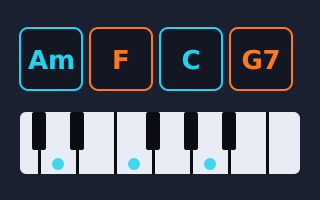
Live Jam Chords is a shared chord chart for bands and improvisers. Everyone joins the same online room, sees the same chords, and can see which line of the chart another player is on.
Free. No account. Opens in a new tab. It needs an internet connection, and works on computers, tablets and phones.
Start a jam in four steps
- One person creates the roomType your name, a room name and a password, then press Create Room.
- Everyone else joinsShare the room name and password with the band. Each player types their own name and the same room details, then presses Join Room.
- Edit the chartSwitch to Edit Songs, change chords and add rows. Changes show up for everyone straight away.
- PlaySwitch back to Performance and click the row you are playing. The others see it glow in your colour.
Why bands use it
SHARED
One chart, live
Rooms are kept online, so players can join from different places and edit the same songs together.
FOLLOW
See where a player is
Each musician has a colour. Follow another player to see which row of the chart they are on.
SIMPLE
No sign-up
A name, a room name and a password are all you need.
Ready to jam?
It opens in a new tab.
Open the chord tool ↗